Enterprise Design System – UX COE
Enterprise UX · Design Systems · SAP Fiori · Power Apps
2025
CoE, UX Designer
Background
When I joined the UX Center of Excellence, an internal design system already existed, but only in a half-built state. It wasn’t published, documented, or actively used by any team. Designers were still copying components from old files, adjusting them manually, and creating new variations whenever needed. Nothing felt unified, and every project had its own style and interpretation.
My first responsibility was to review what was already created, understand what was missing, and prepare a usable, stable foundation that teams could depend on. This initial release would become the starting point for building a consistent design culture across multiple products.
The Problem
Because the system wasn’t published, every designer followed their own approach. Components looked slightly different across files, spacing rules were unclear, and developers often had to guess how something should behave. This created inconsistencies, slowed down delivery, and increased rework between design and engineering.
There was already effort invested into a system, but without structure, clarity, or ownership, it couldn’t support anyone. What the teams needed was not a brand-new design system, but a functional one — organized, cleaned up, and ready for real usage.
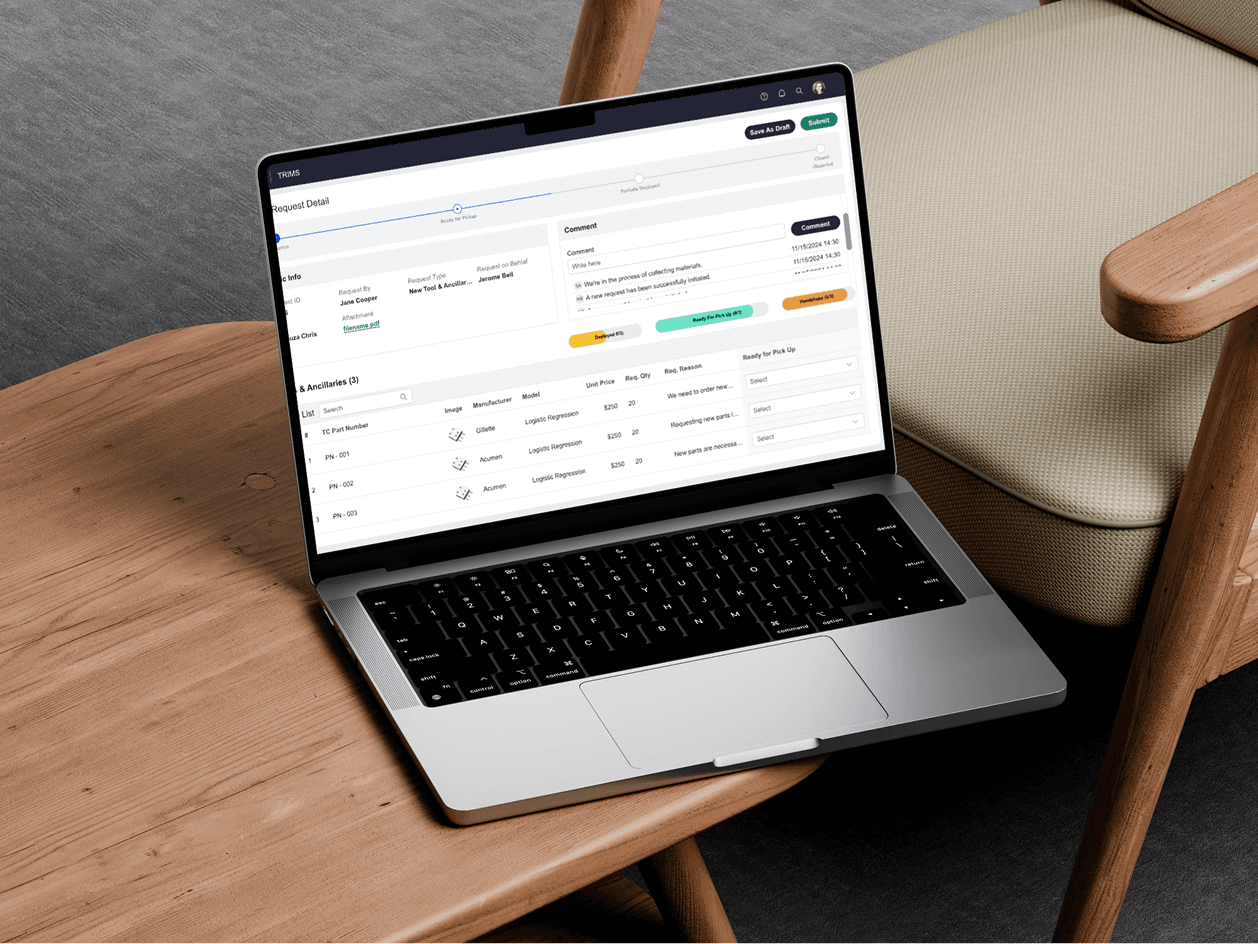
The design system supported enterprise applications across complex manufacturing workflows, including SAP Fiori and Microsoft Power Apps. The goal was to bring consistency across these business-critical applications while making complex workflows easier for global users to navigate.
The Process
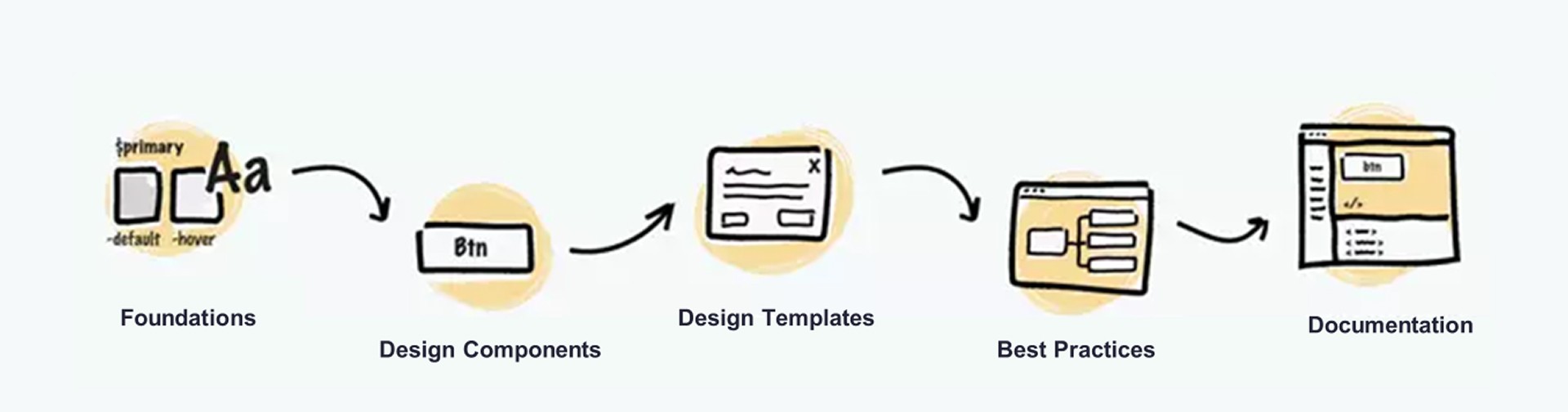
My approach was simple: don’t restart, don’t over-engineer — stabilize what exists, refine it, publish it, and make it usable.
Don’t reinvent the wheel
Instead of rebuilding everything from scratch, I focused on improving what was already there. I cleaned up spacing, unified naming conventions, fixed inconsistencies, and filled in missing states and variants. I also referenced established systems like Material, Atlassian, and Shopify to ensure our structure aligned with modern standards without slowing us down.
This helped us move quickly and build confidence among designers and developers.
Audit & analysis
I reviewed the current components, active product screens, and real usage patterns to understand how teams were designing today. This helped me identify what was useful, what needed refinement, and what needed to be added. The audit formed the blueprint for the system’s first stable release.
Laying the foundations
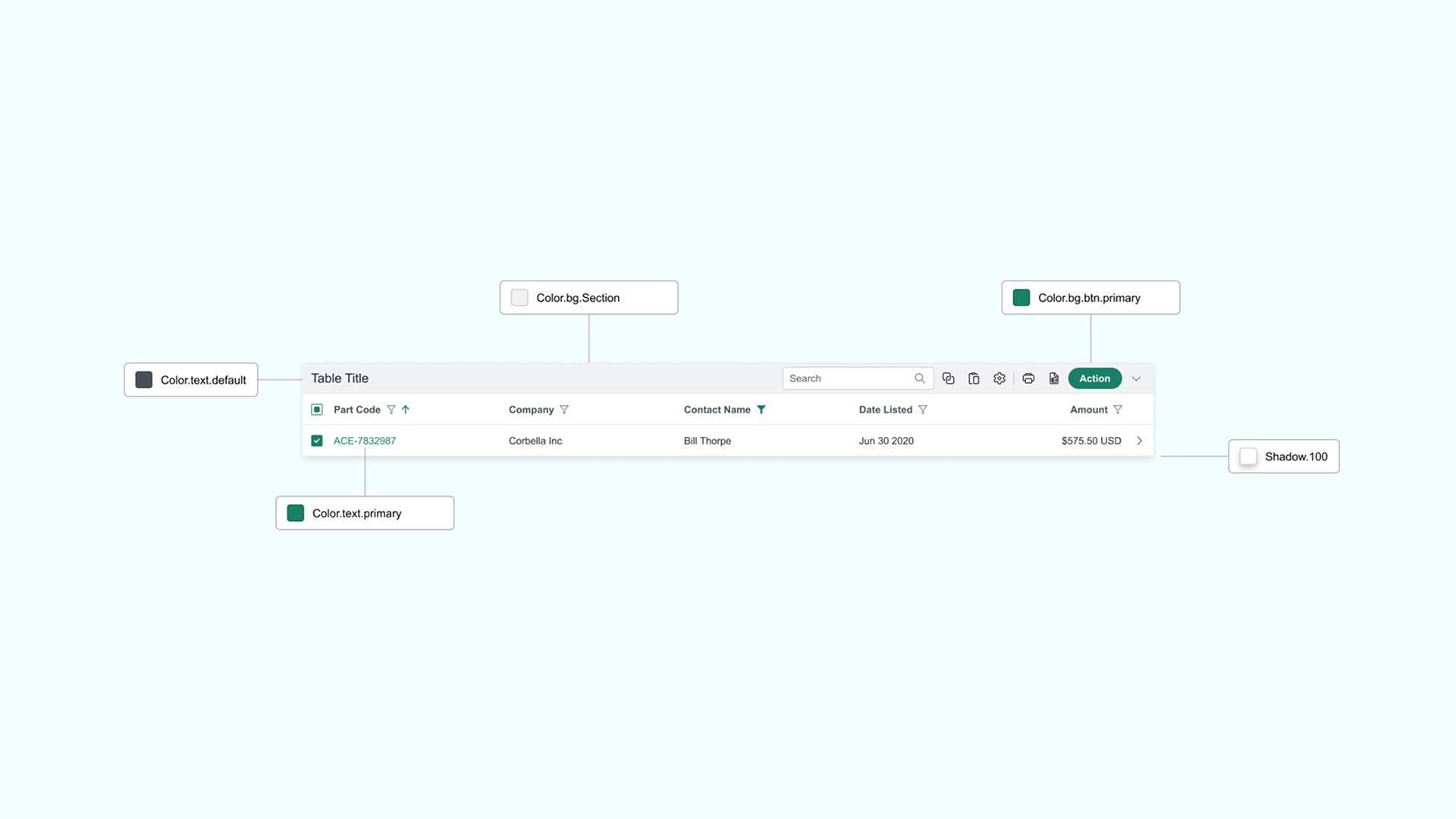
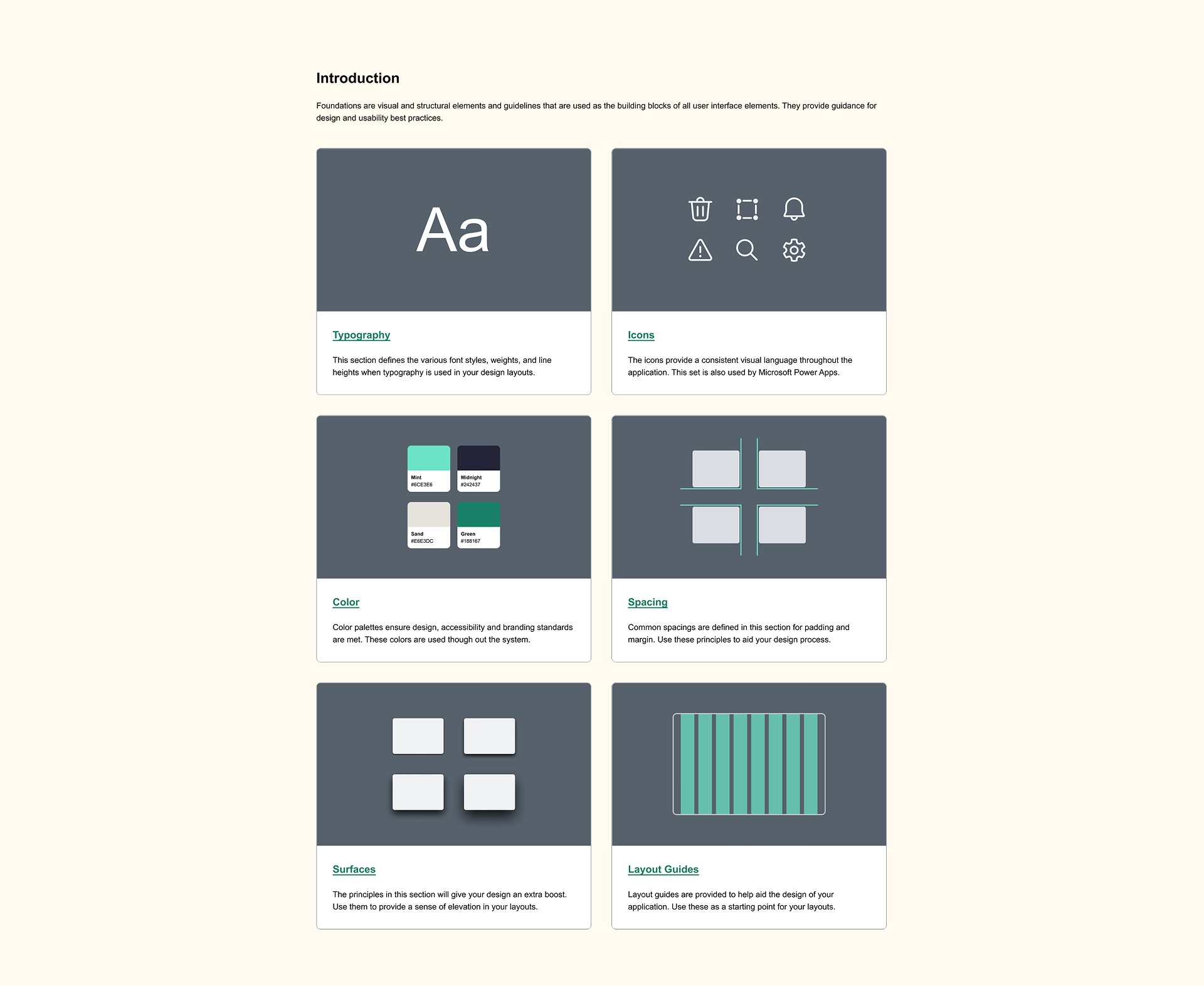
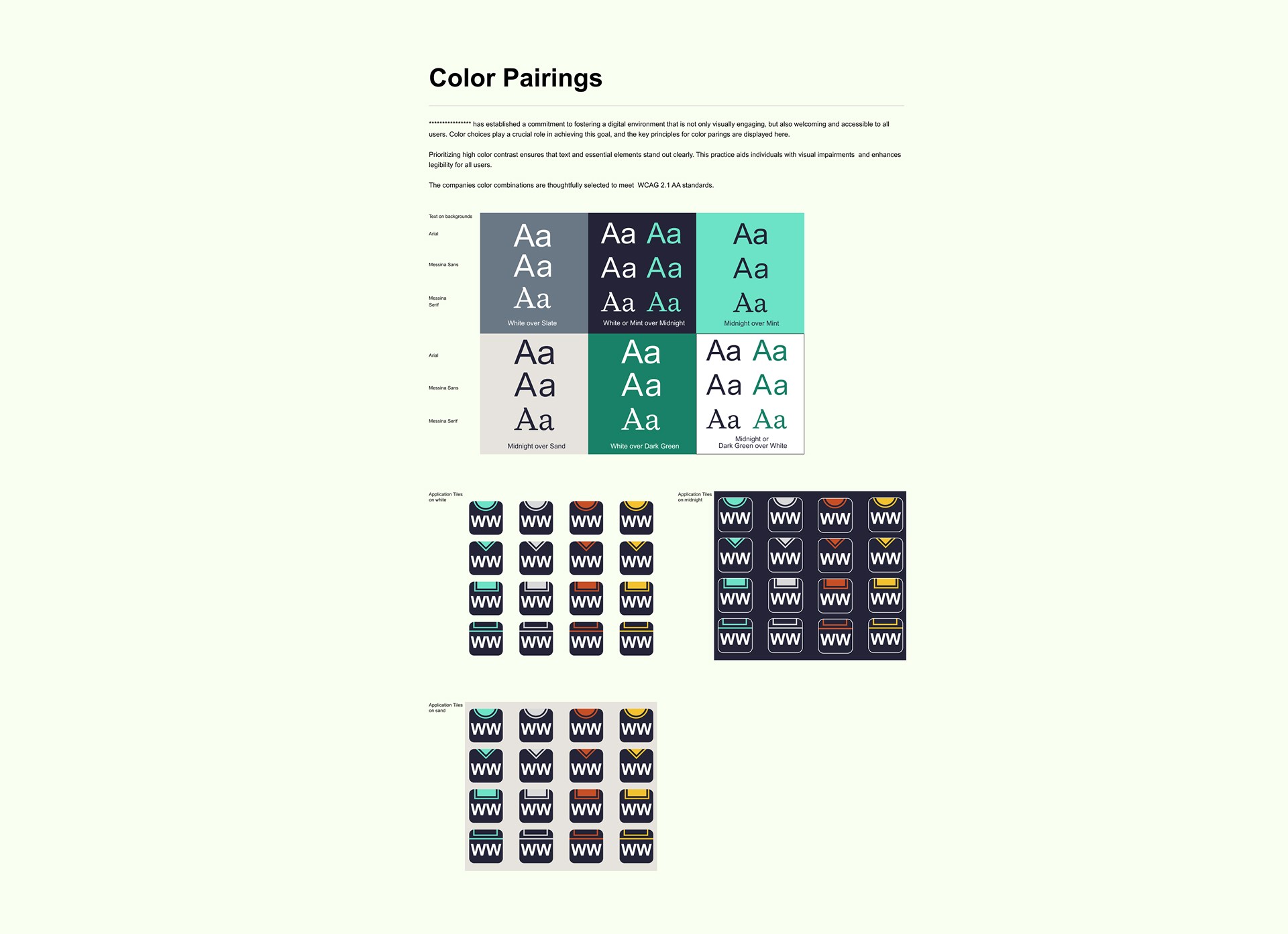
Before publishing the updated system, I refined the basic building blocks — our colors, typography, spacing, shadows, and responsive layout rules. These foundations gave the system a clear structure and made every component feel consistent and predictable across teams.
Publishing the component library
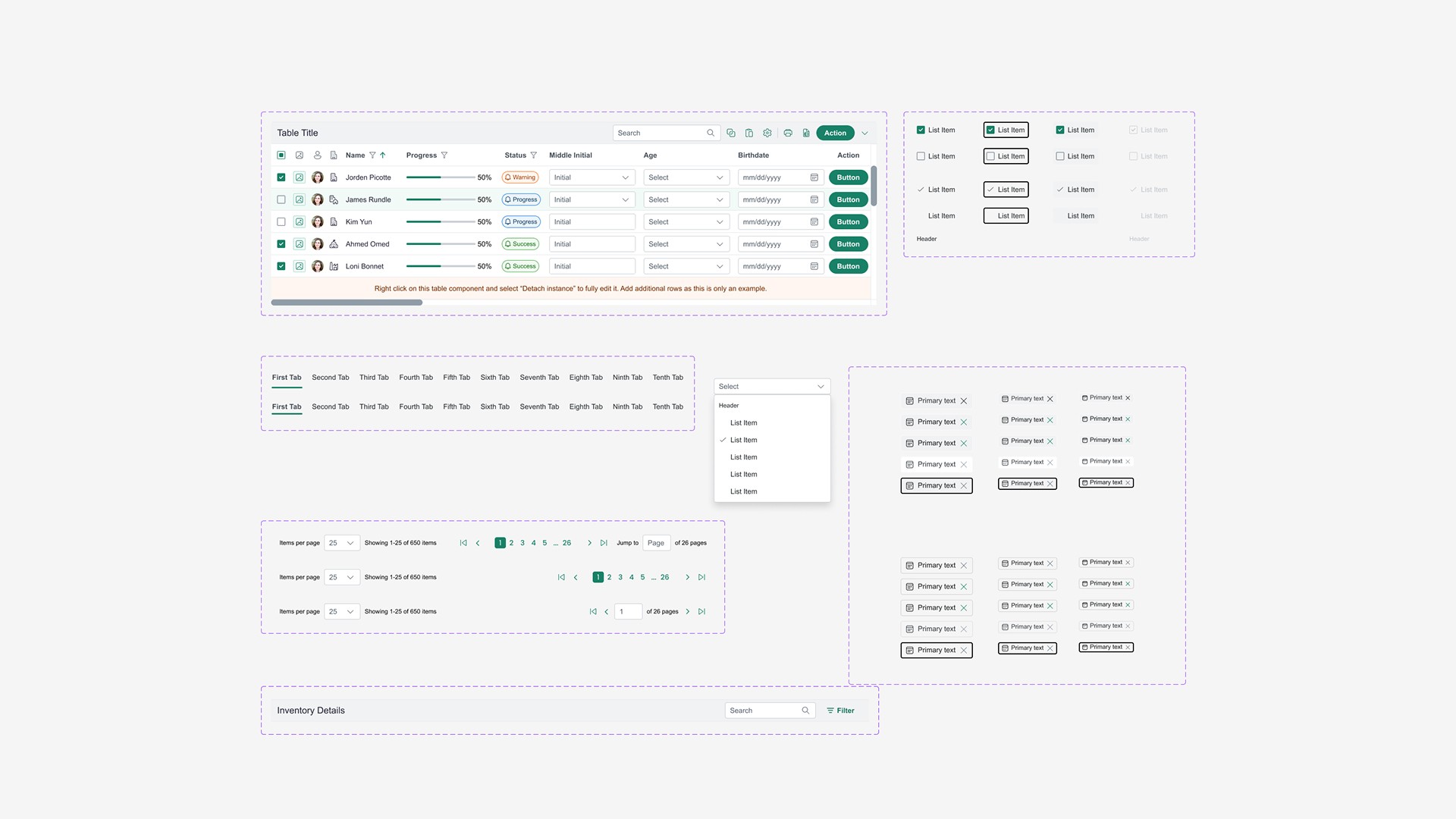
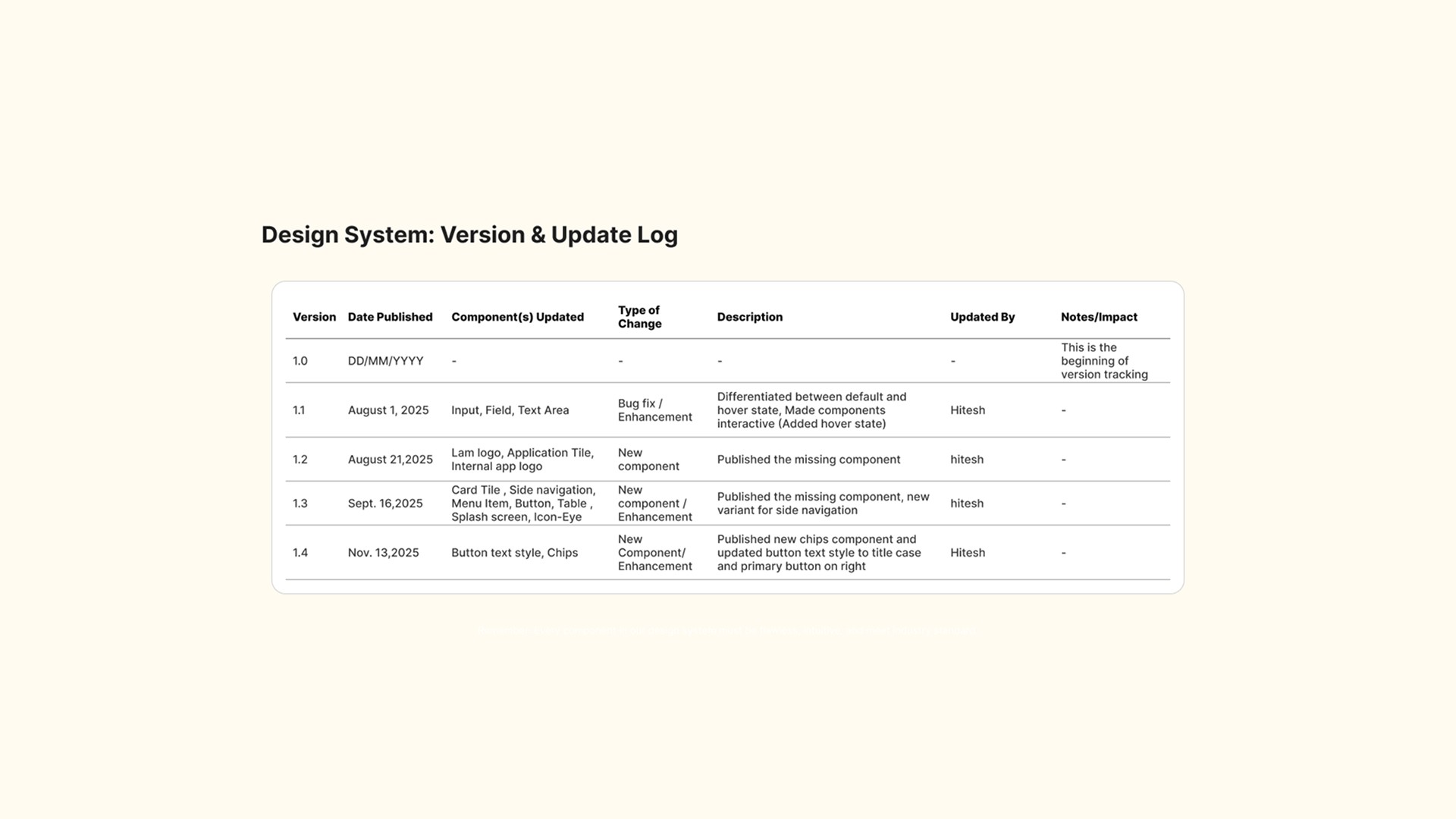
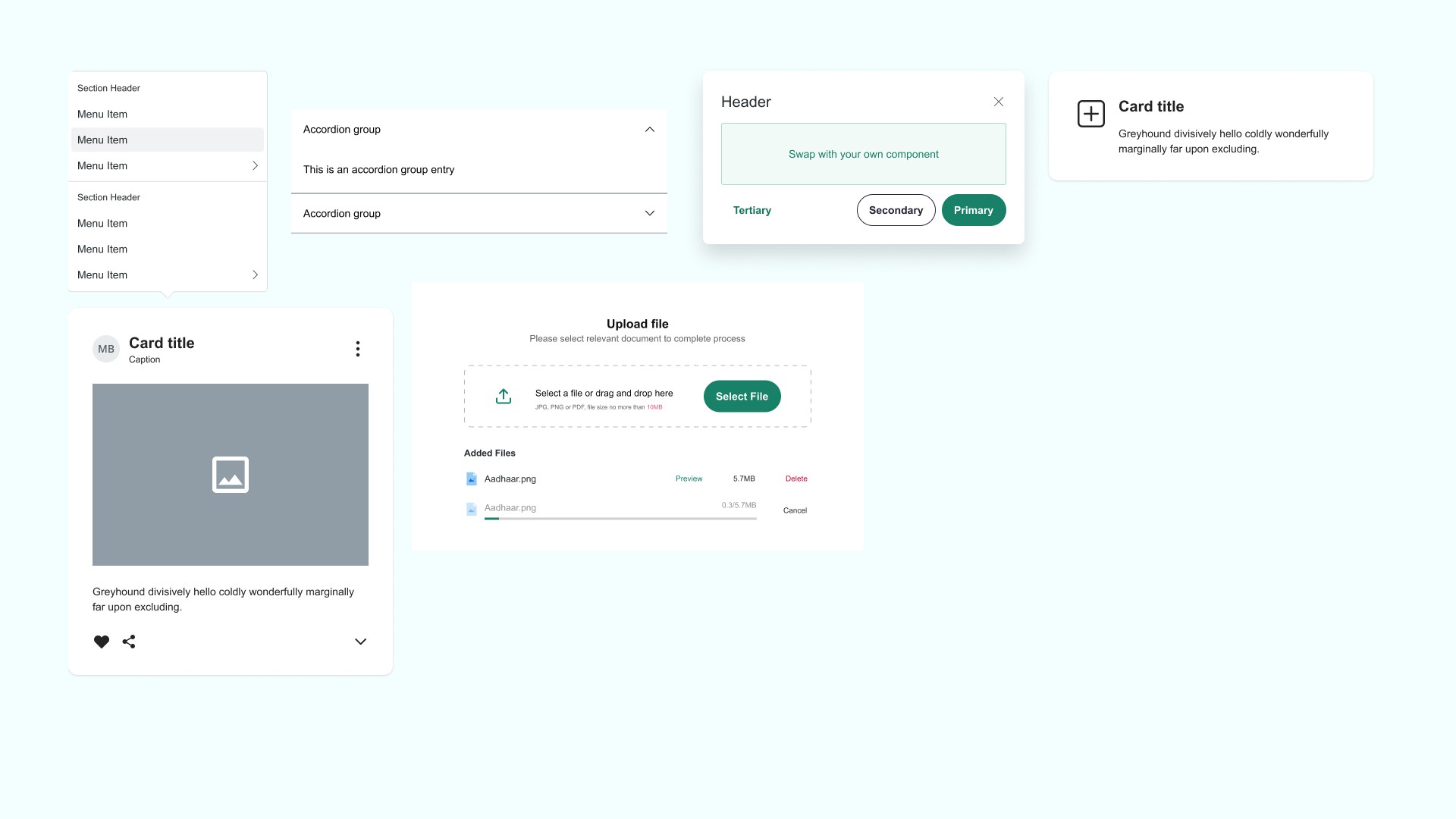
Once the base components were ready, I packaged them into a centralized Figma library powered by variables, Auto Layout, and organized variants. This became the first officially published version of the internal design system.
I introduced the system through internal meetings, design syncs, and community sessions, walking teams through how to use it and how it would support their day-to-day work. This was the moment when the system finally became real for the organization.
Enabling fast and flexible UI design
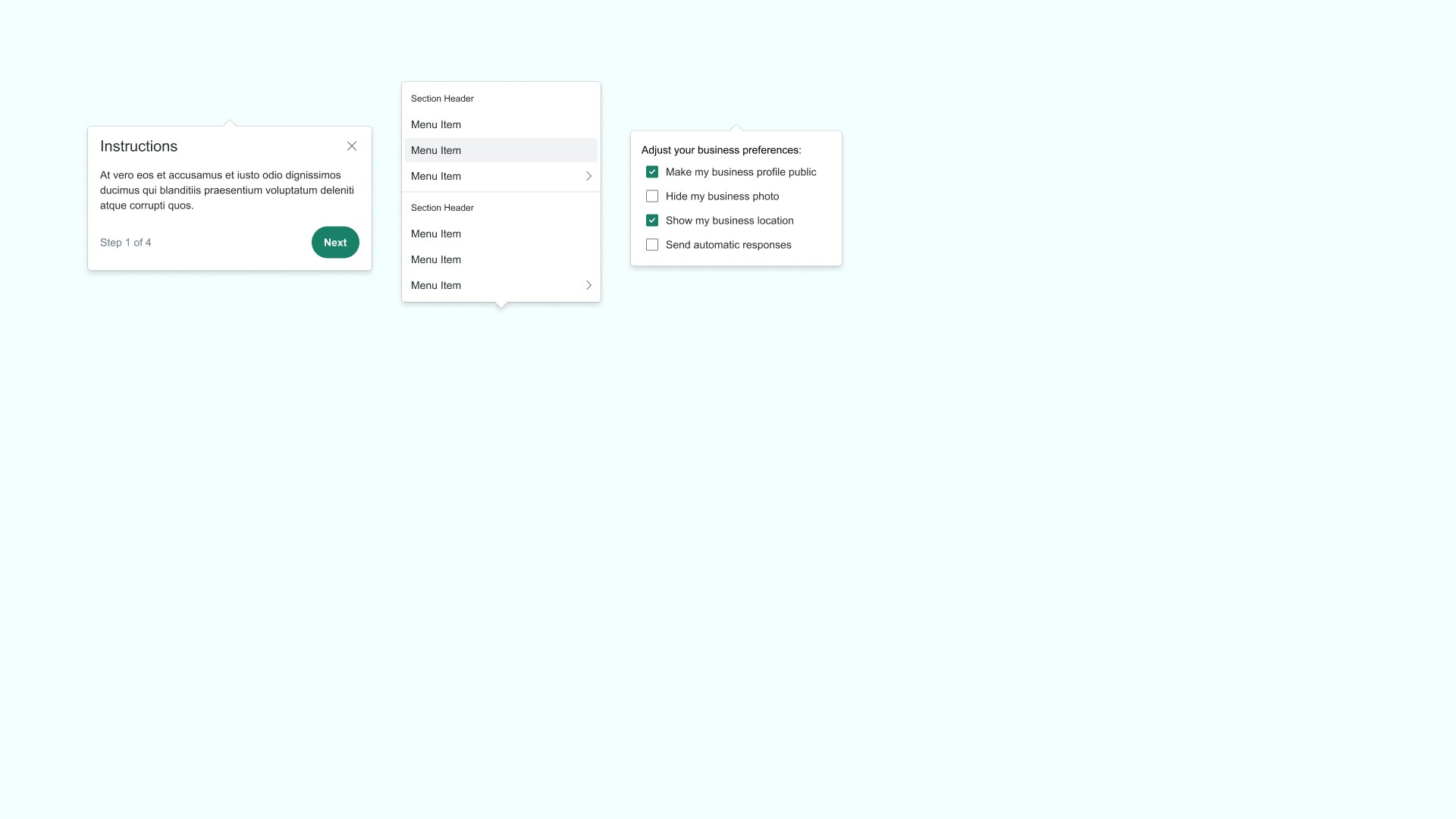
As I worked on ongoing product designs, I constantly encountered gaps, edge cases, or improvements that didn’t exist in the library yet. Instead of working around them, I updated the system directly — adding new components, refining behaviors, and extending variants as needed.
The system grew naturally from real product needs, making it more practical and easier for teams to trust and adopt.
The Impact
Publishing the system immediately improved the design workflow. Designers no longer rebuilt components repeatedly, and developers received cleaner, more consistent UIs. The shared library created a common language, reduced confusion, and sped up delivery across multiple projects.
What previously felt like scattered design efforts now felt aligned and intentional.
Next Step
The system continues to evolve through new use cases and ongoing product work. Each new requirement leads to enhancements, refinements, or additions to the library. The goal is to expand the system gradually, making it more mature with every iteration while keeping it simple, usable, and aligned with actual product needs.